LLNR Generative Design System
For Living Lab Northern Rivers, we built a generative design tool to create variations on their images and superpower their branding across their website, socials, and IRL.
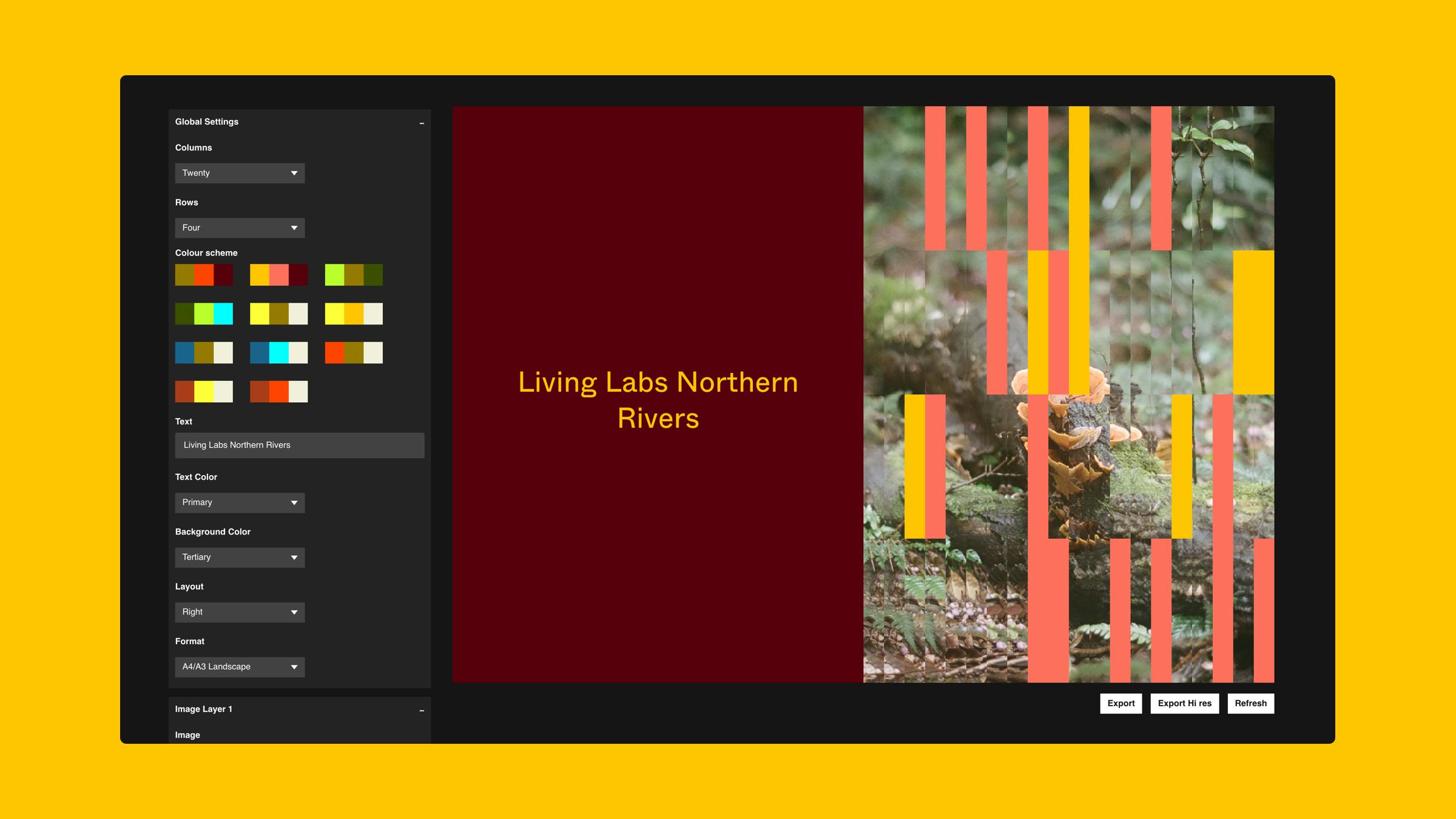
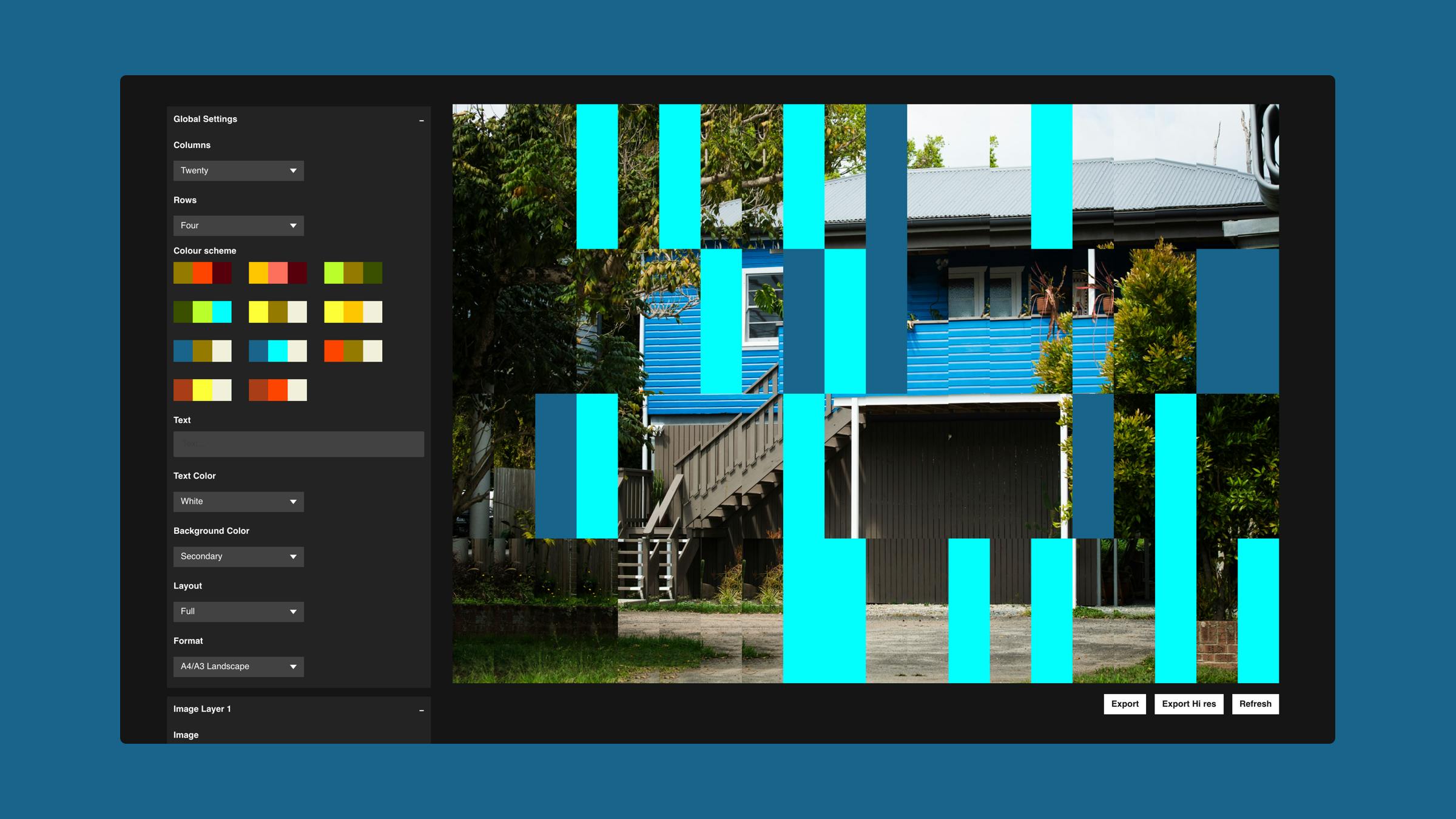
The tool interface
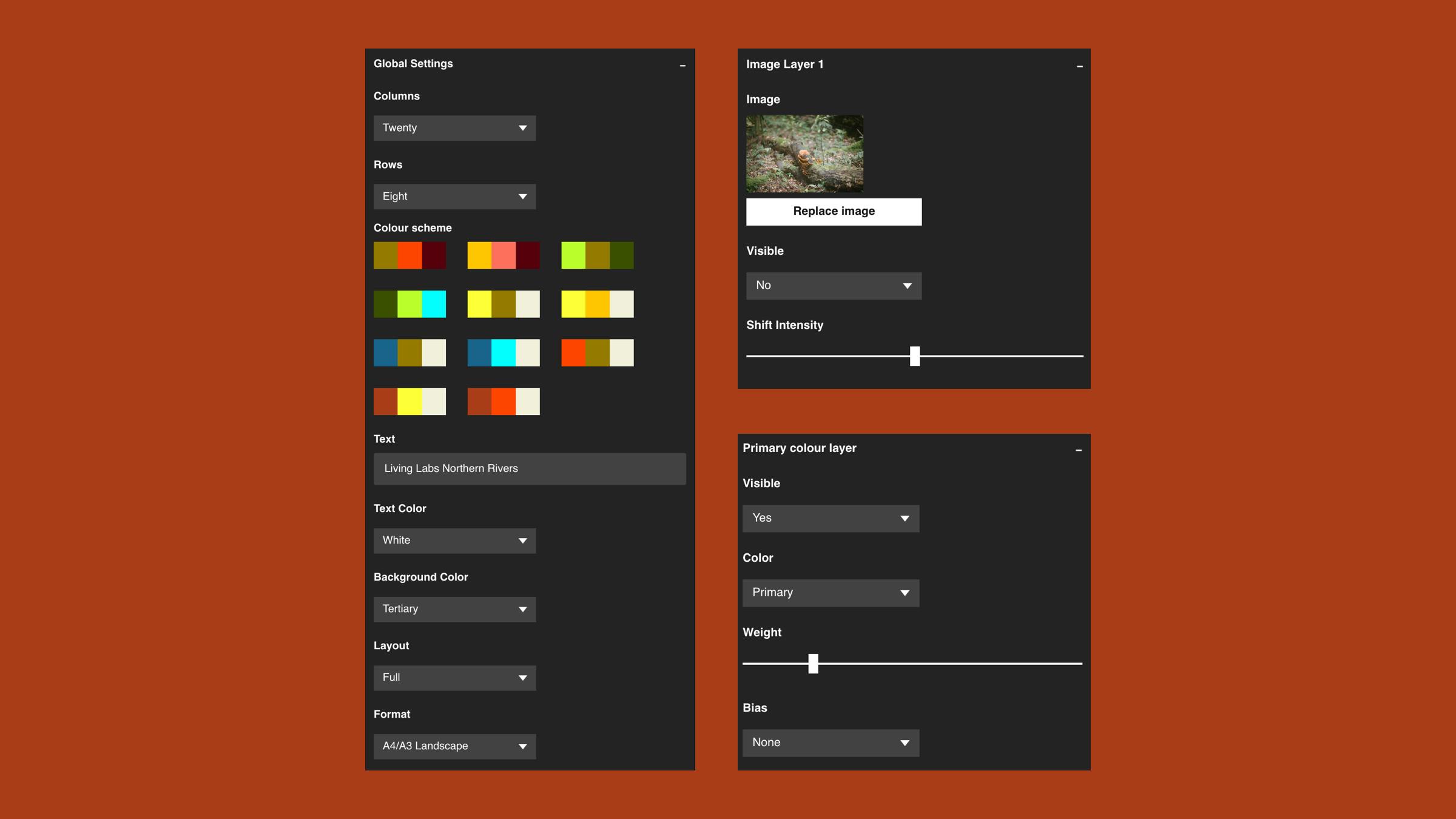
The variations and options that make up the system and can be controlled in the tool.
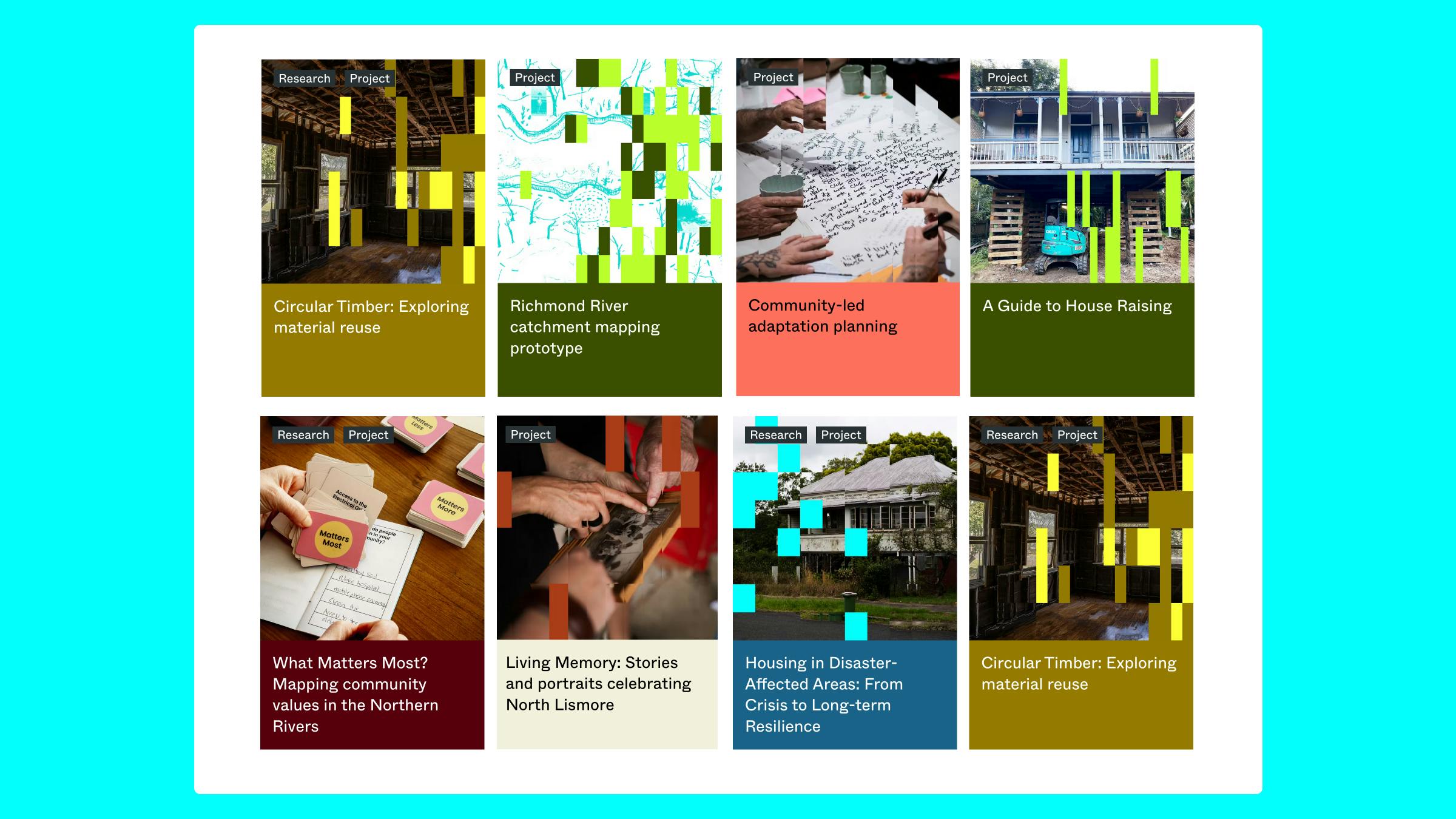
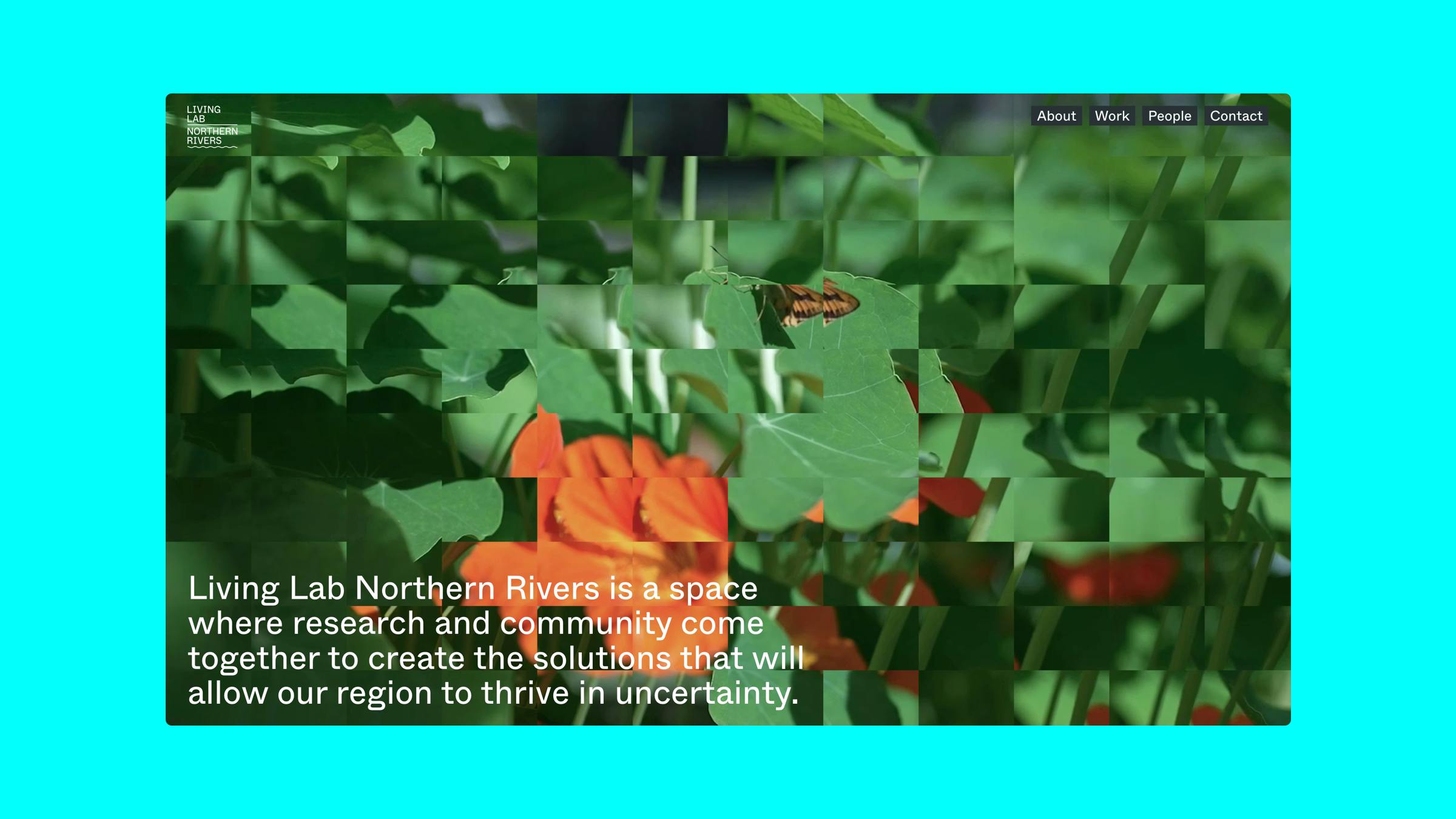
Generated images in use on the LLNR site
To accompany the modular website we created with Public Websites for LLNR, we also built a custom transformational image shift tool to allow LLNR to infuse all their content across their website, socials, and IRL branding with variations on a type of pattern that are unique while also repeatable and instantly recognizable.
High level overview
LLNR is a small organisation / campaign with big work to do. They are design-conscious, but they do not have the time or resources to create high quality, unique imagery to accompany all their content. We needed to create a system that would allow them to reliably and repeatedly generate and iterate on custom materials, at speed and at cost.
How does the tool work?
The tool works by breaking the image container up into a variable grid, and allowing the user to edit different parts of that grid, including shifting individual columns or rows of that image, interspersing overlaid defined brand colour pairings over the image with different bias, optionally adding overlaid text, background colours, and so on.
These assets can then be exported into different relevant formats for Living Labs (instagram square, hero background image, website banner, flexible card instances), giving them essentially limitless options to communicate with their audience across a range of channels, contexts, and formats.
It is hard to overstate how game changing we think digital brand generational tools can be or small to mid-sized organizations.
How is the system developed?
Step 1: The outputs are loosely designed by the design team without too much concern for the rules of the system. This is the “It should sorta feel like this” stage
Step 2: The development team pulls the beginnings of a scalable system from these initial designs. We are trying to find order in the chaos.
Step 3: We make a real prototype of the tool so that we can stress test the system at scale. this allows us to find unexpected outputs in the system and refine all the rule and variables.
Step 4: We finalise the system and we export the results.
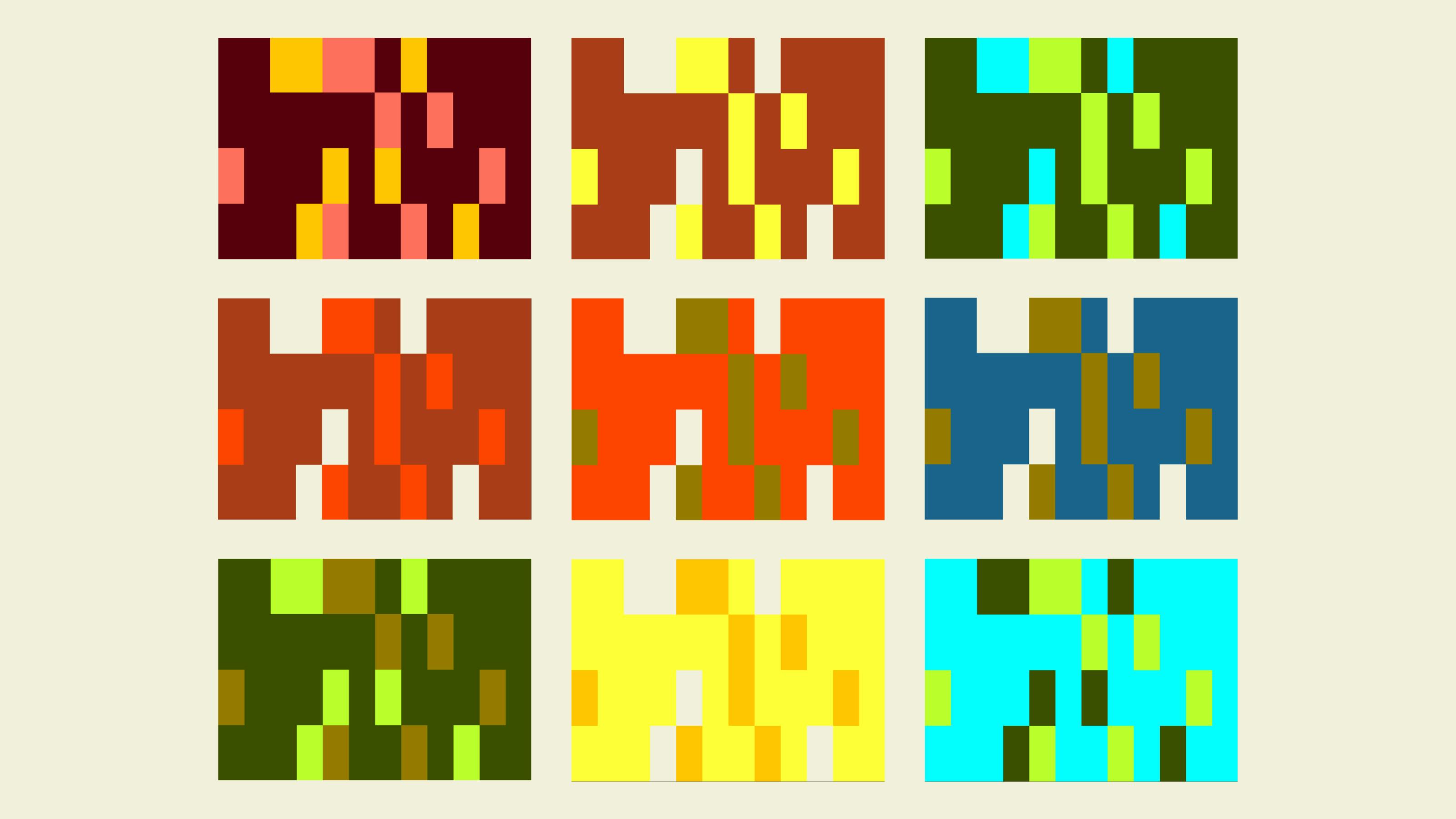
Some of the available colour schemes.
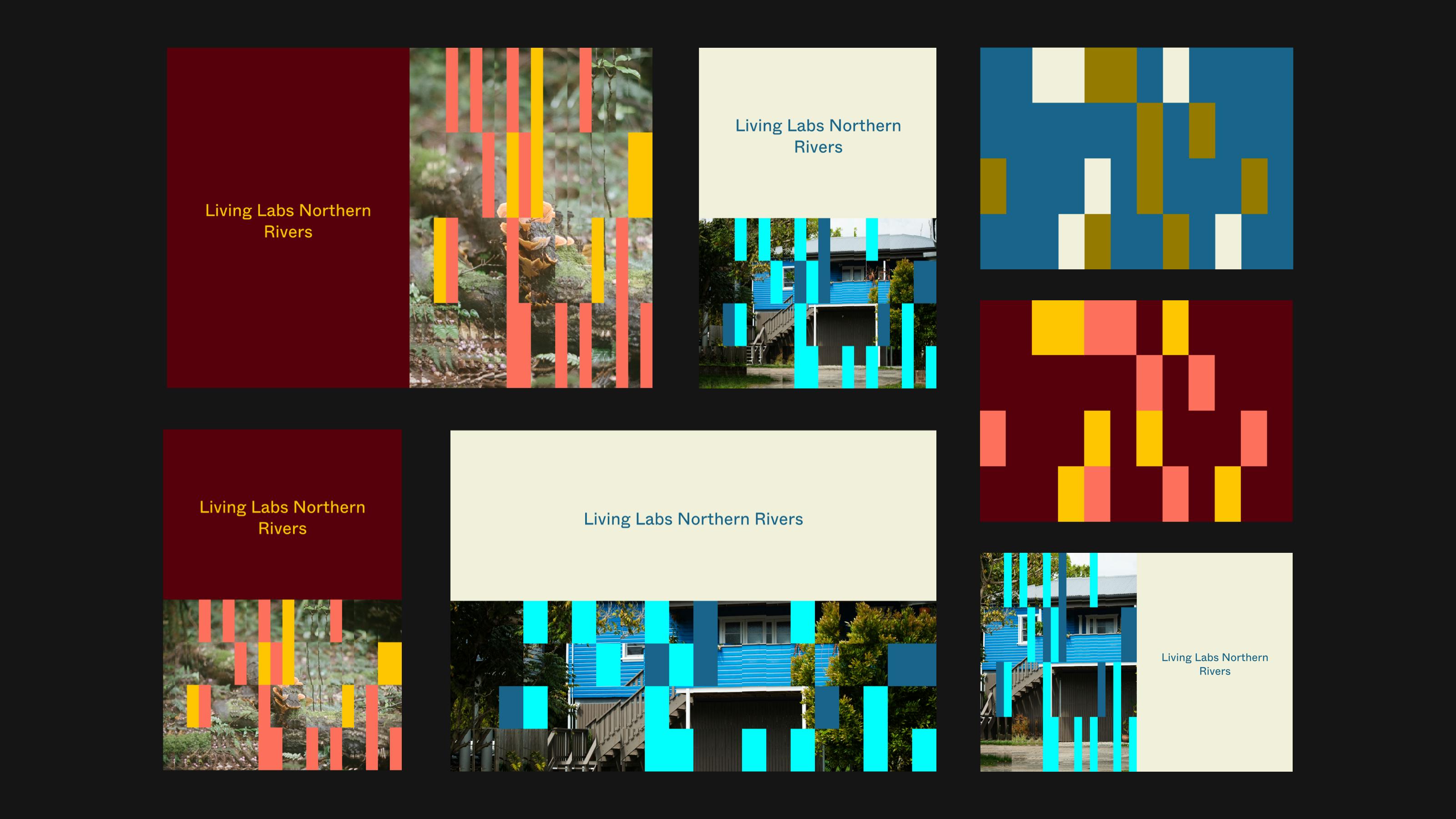
Some example outputs in various formats.
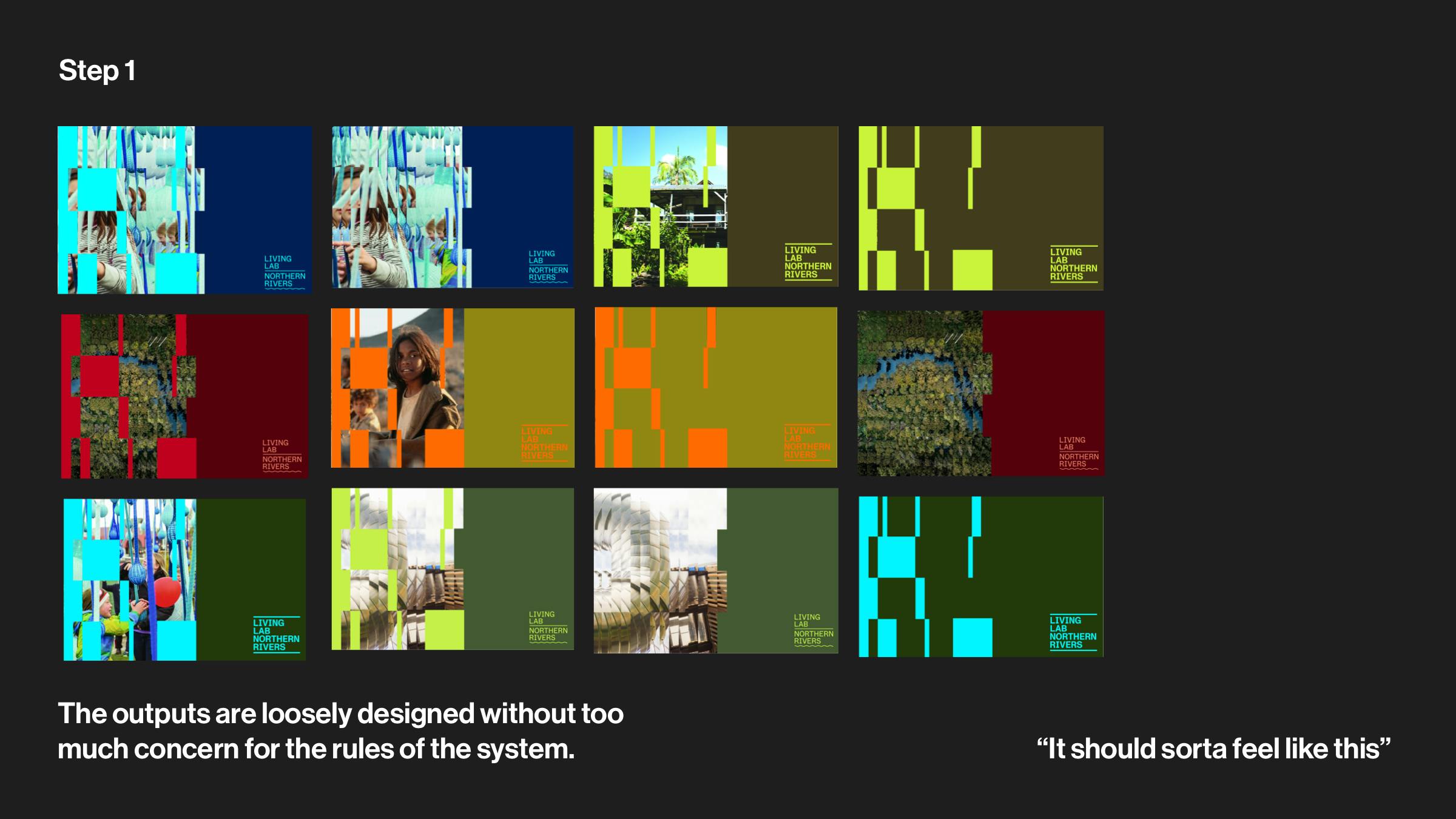
Step 1 in the process.
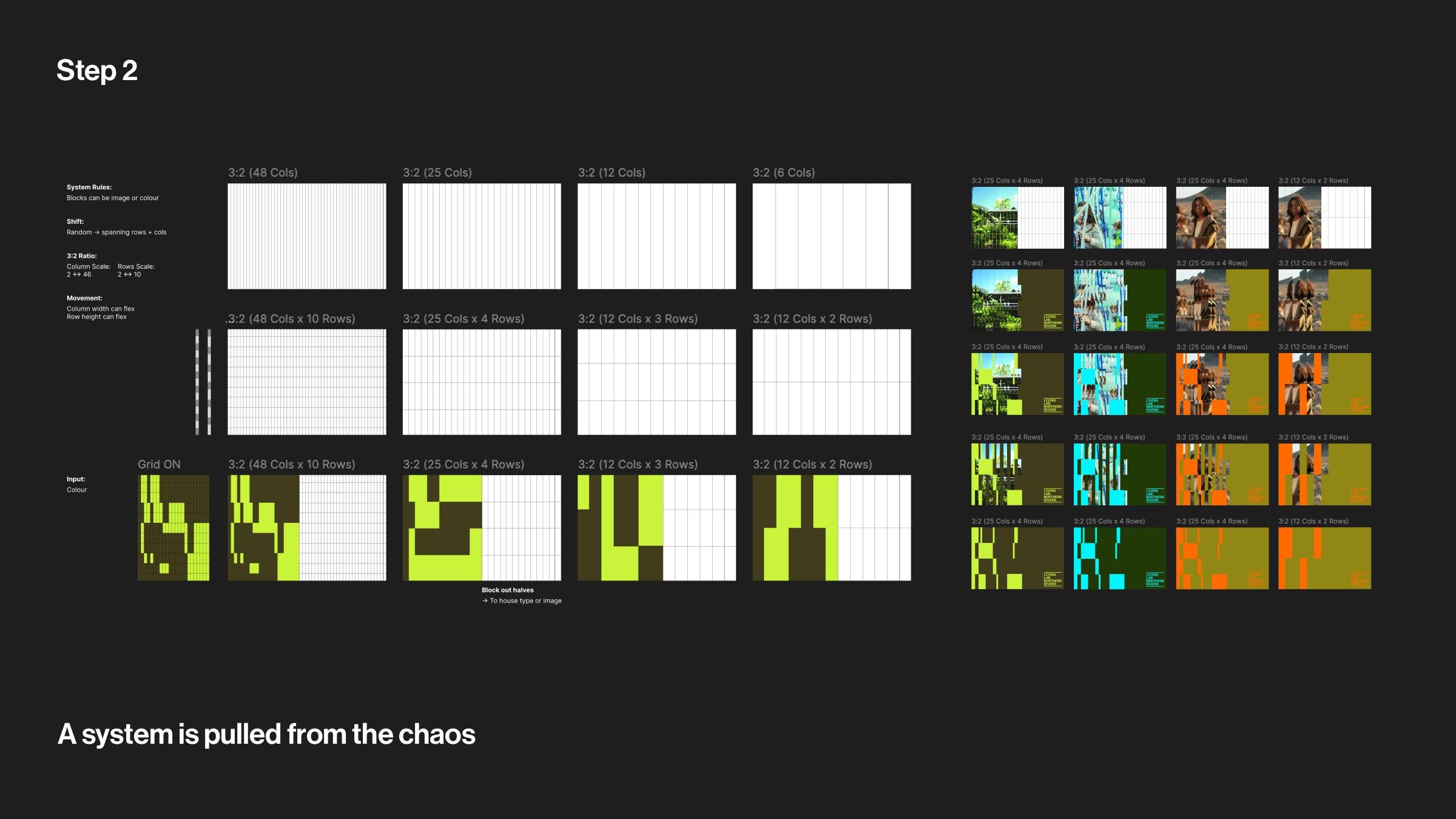
Step 2 in the process.
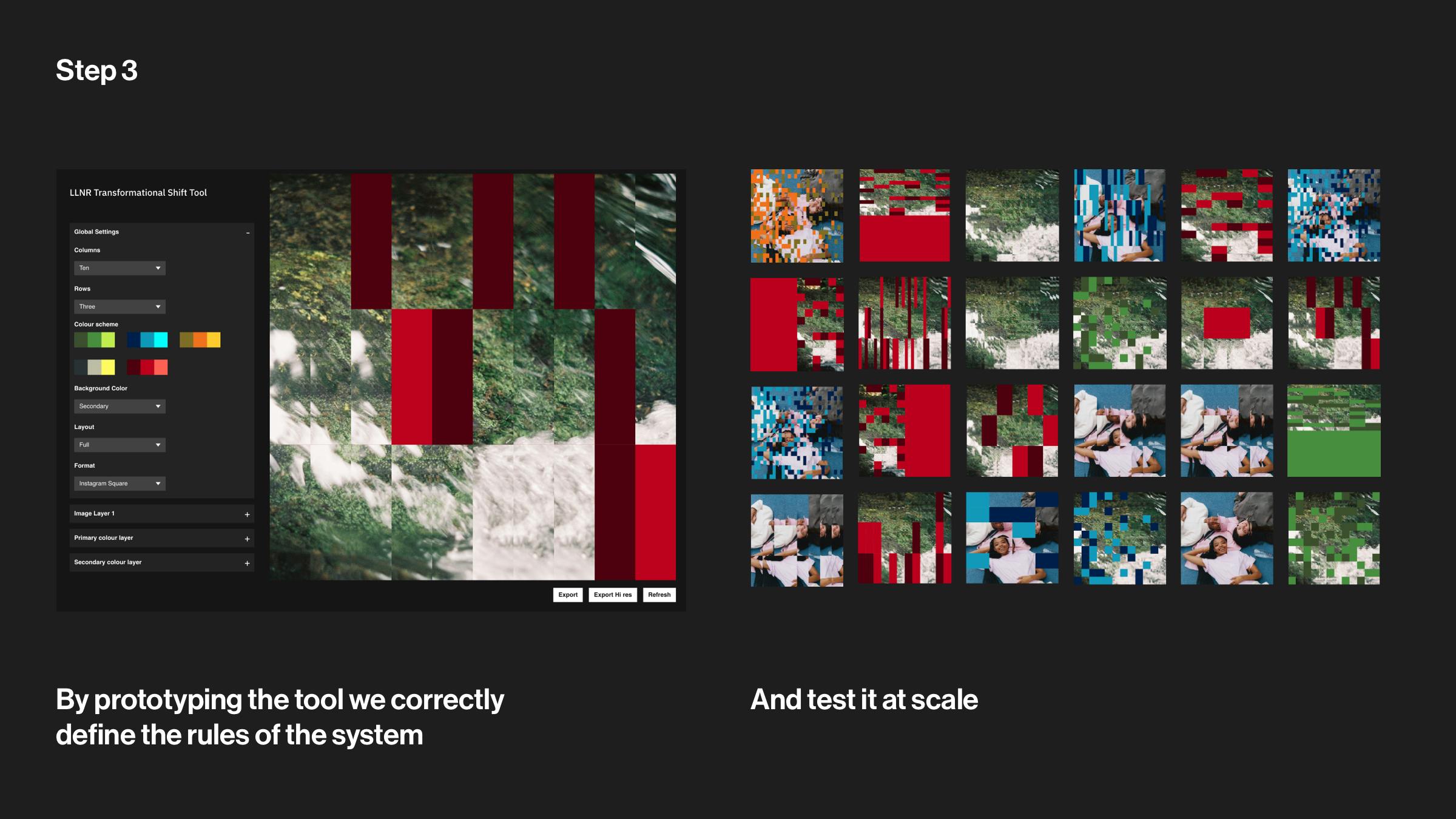
Step 3 in the process.
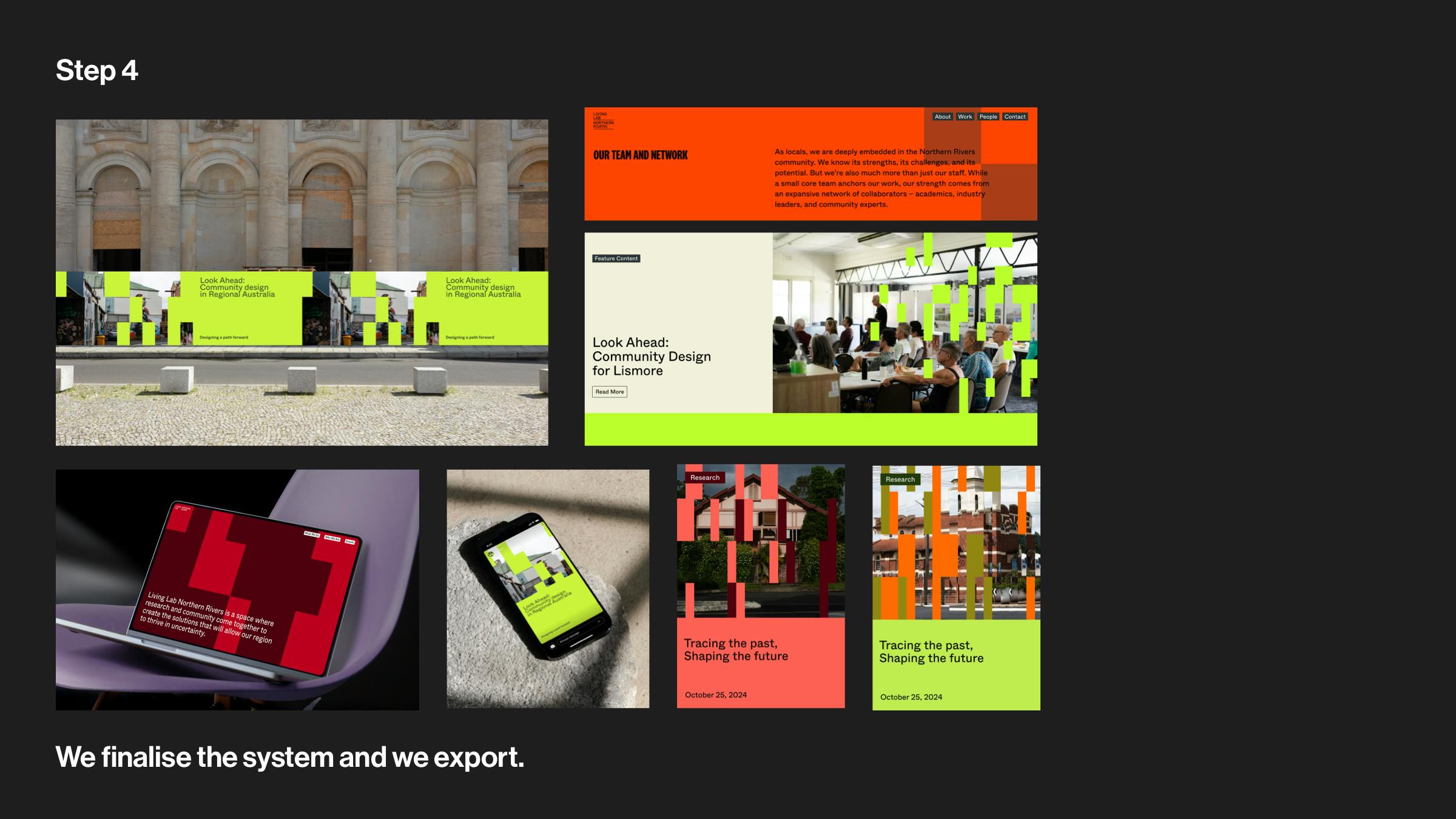
Step 4 in the process.