Folio
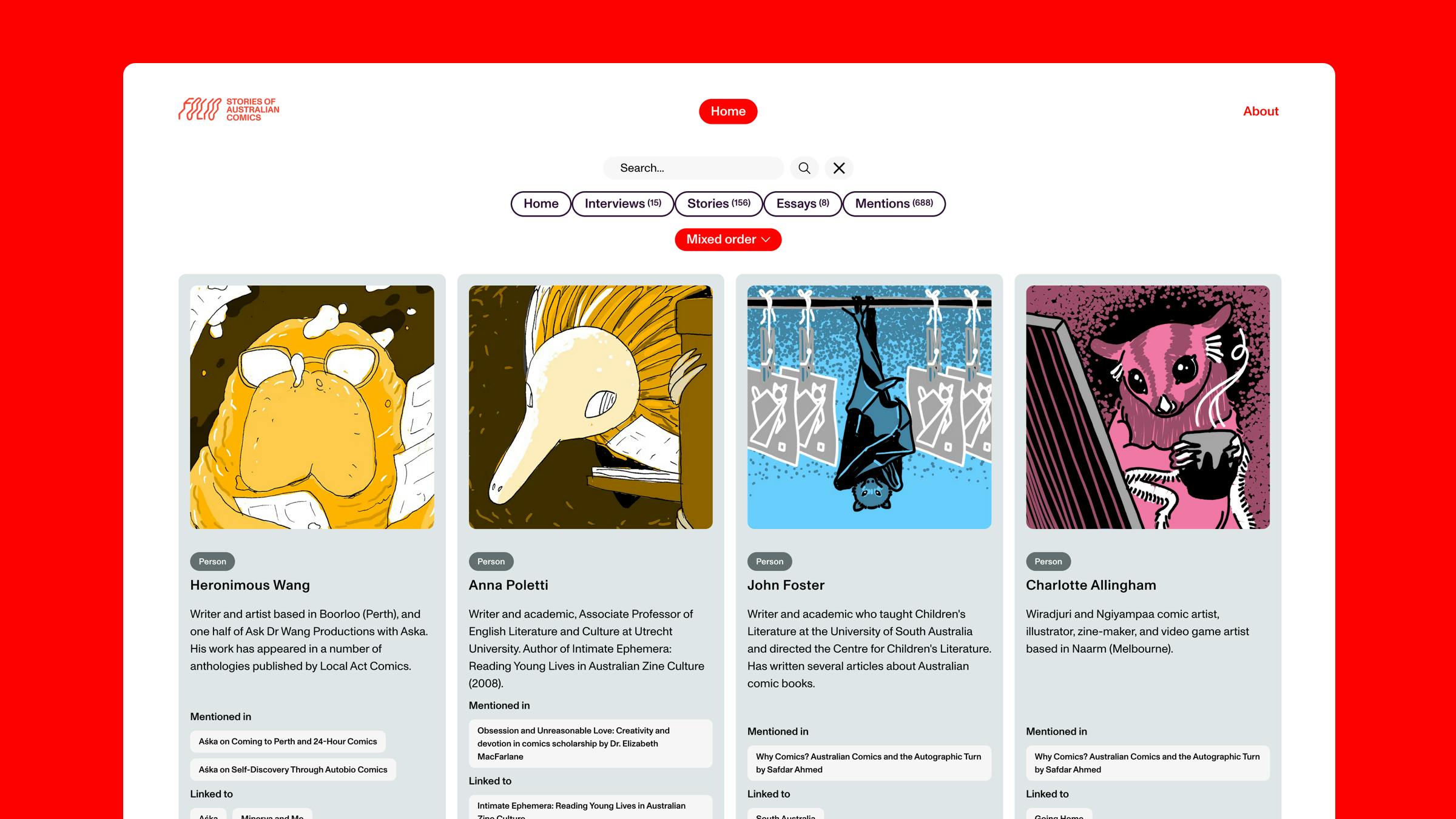
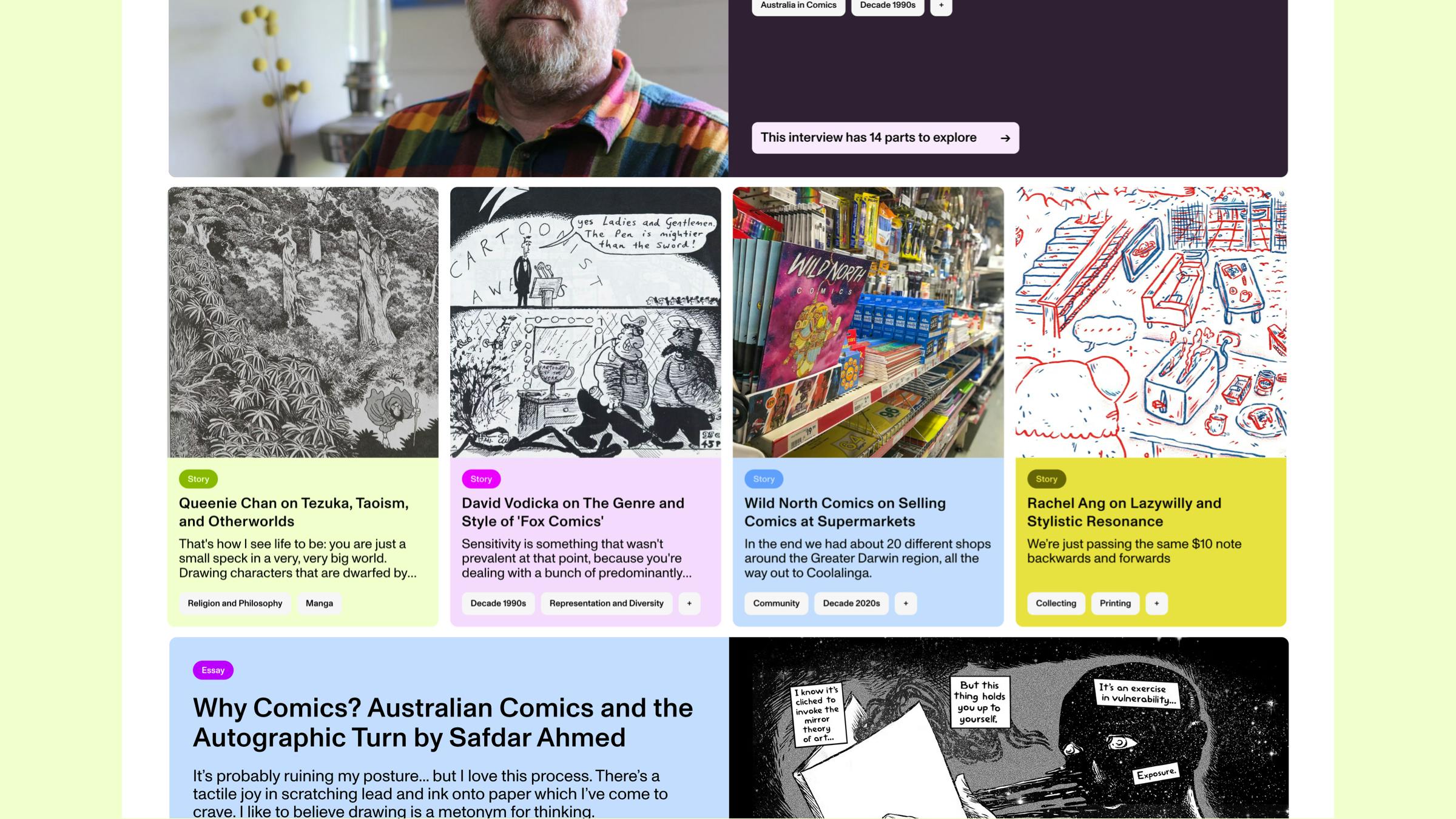
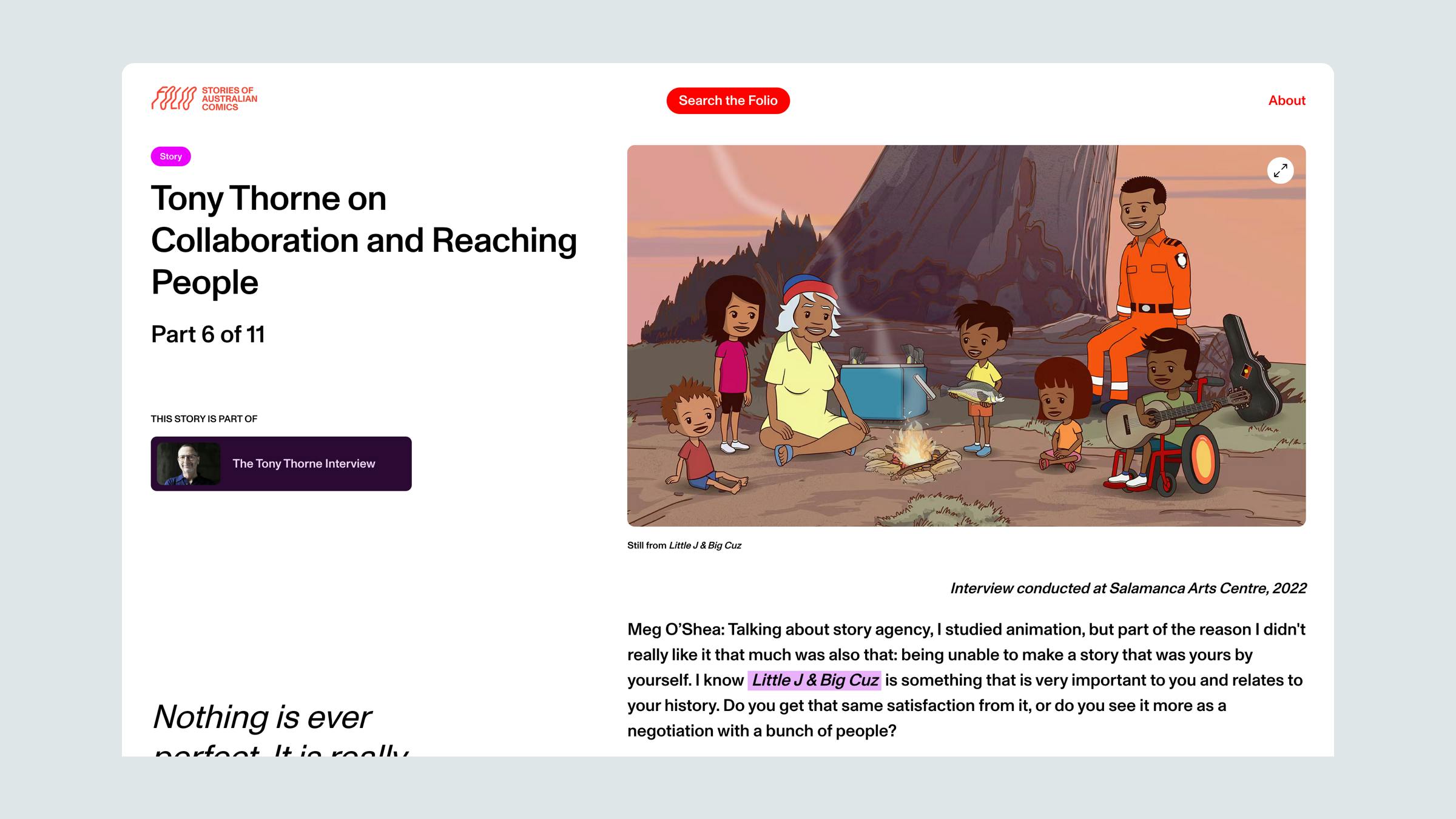
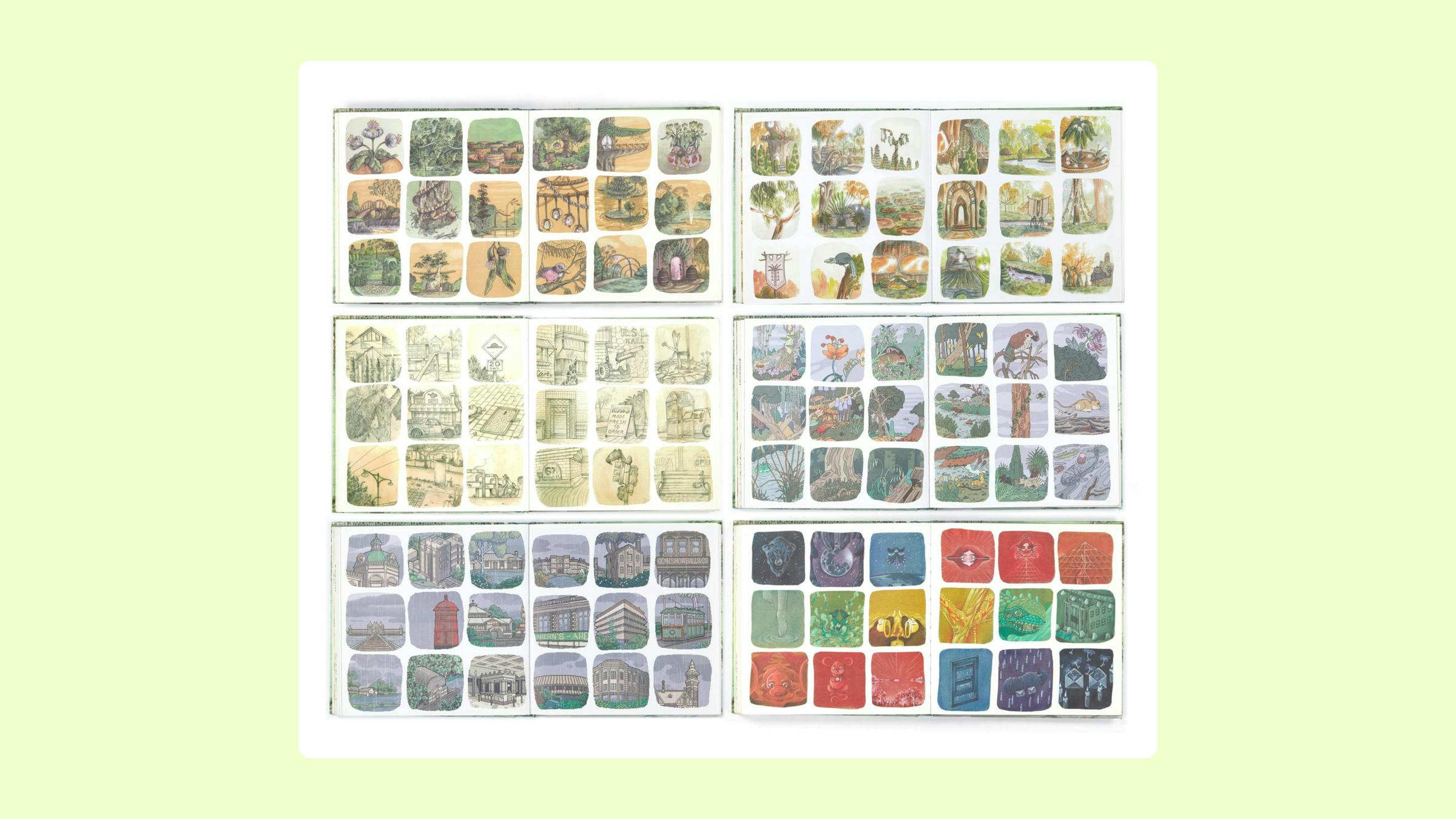
For Folio Comics, we built an easy-to-use archive site to house vast quantities of research content, interviews and artwork.



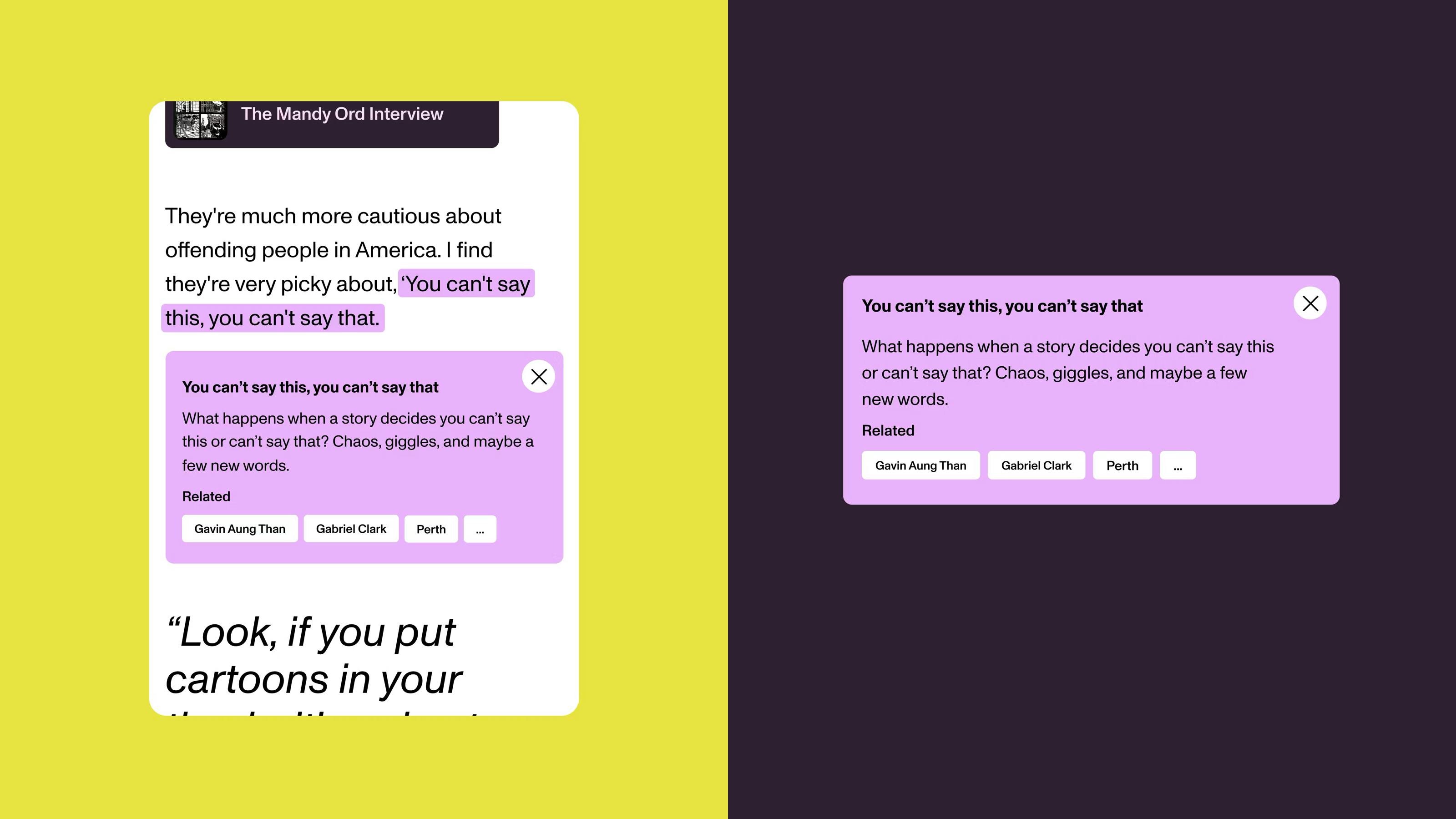
The in-text mention cards. Editors highlight the text in Prismic and link it to an item. The code does the rest.
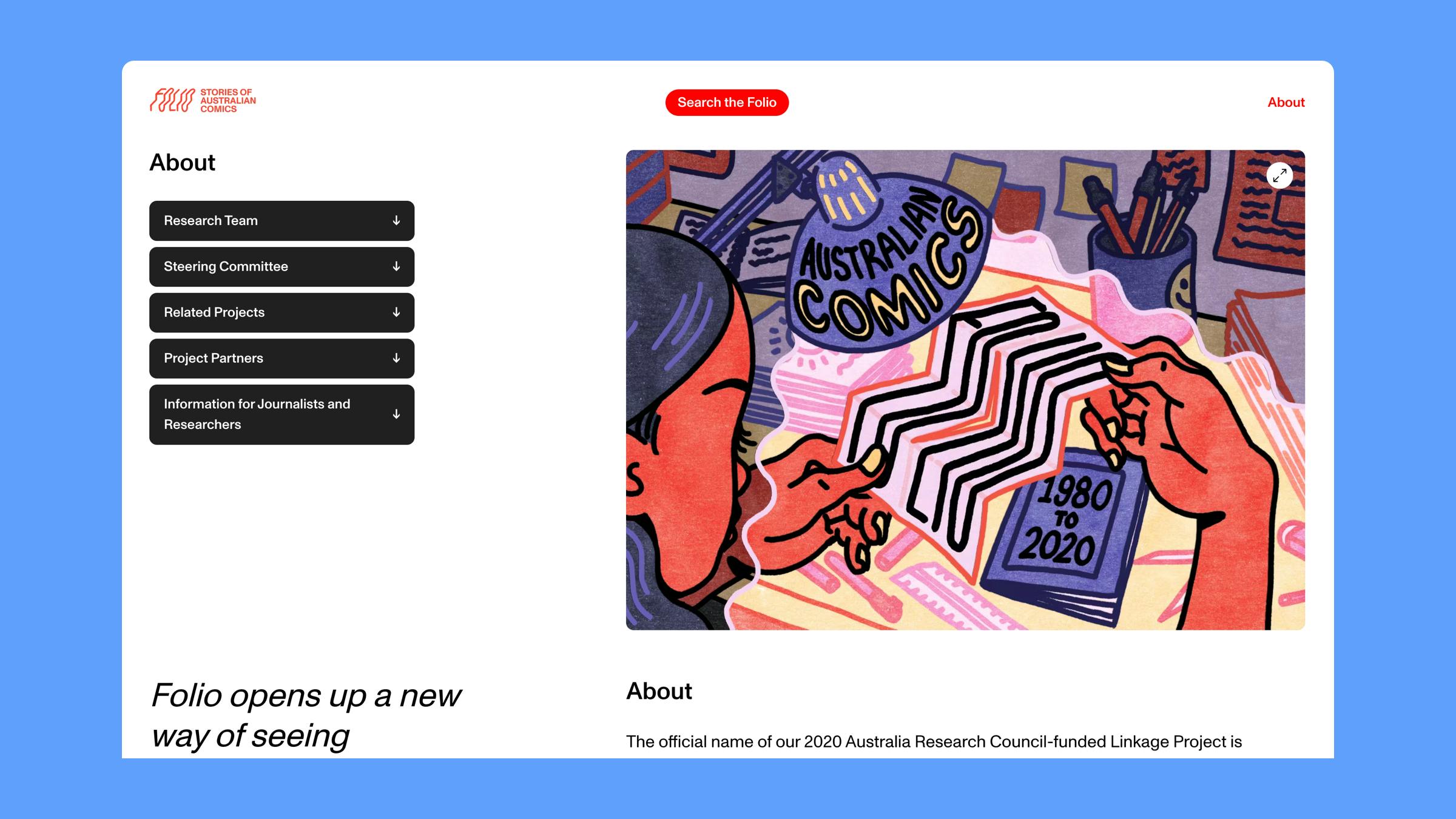
Working with our design partners Public Websites, we delivered Folio Comics with an immersive, searchable digital index to showcase the vast quantities of research content, interviews and artwork all related to the Australian contemporary comics scene.
Folio Comics is a national research project covering Australian comic and graphic novel history. Folio aims to present Australia’s contemporary comics scene in the most accessible way, making these rare stories, and the often ephemeral works that accompany them, available for generations of readers and scholars.
While the archive has enough depth and breadth of content to satisfy the most ardent fan of Australian comics, the team also wanted the site to be engaging and simple to navigate, without intimidating or overwhelming the user.
Search and indexing
We built this site in Nextjs, using Prismic for the backend and leaning heavily on Algolia for the search and filter behaviour. The combination of Next.js static site generation and Algolia’s ultra-light indexing capabilities were essential for keeping the search quick and performant, despite publishing hundreds of content-rich and complexly intertwined page types.
That is a lot of tags!
The Folio team had a clear vision of an interwoven system of tags, linking stories to interviews to artists to institutions to places, themes and more. We had to find a way to keep those connections usable, while also keeping the CMS manageable to maintain and edit for the team.
Using a combination of Algolia’s filters and Prismic tags, we were able to create a cascading system of filters combined with in-page mentions with links to other entities around the site.
The final product is a nicely balanced, fit-for-purpose platform that does justice to the incredible research the Folio team had compiled.
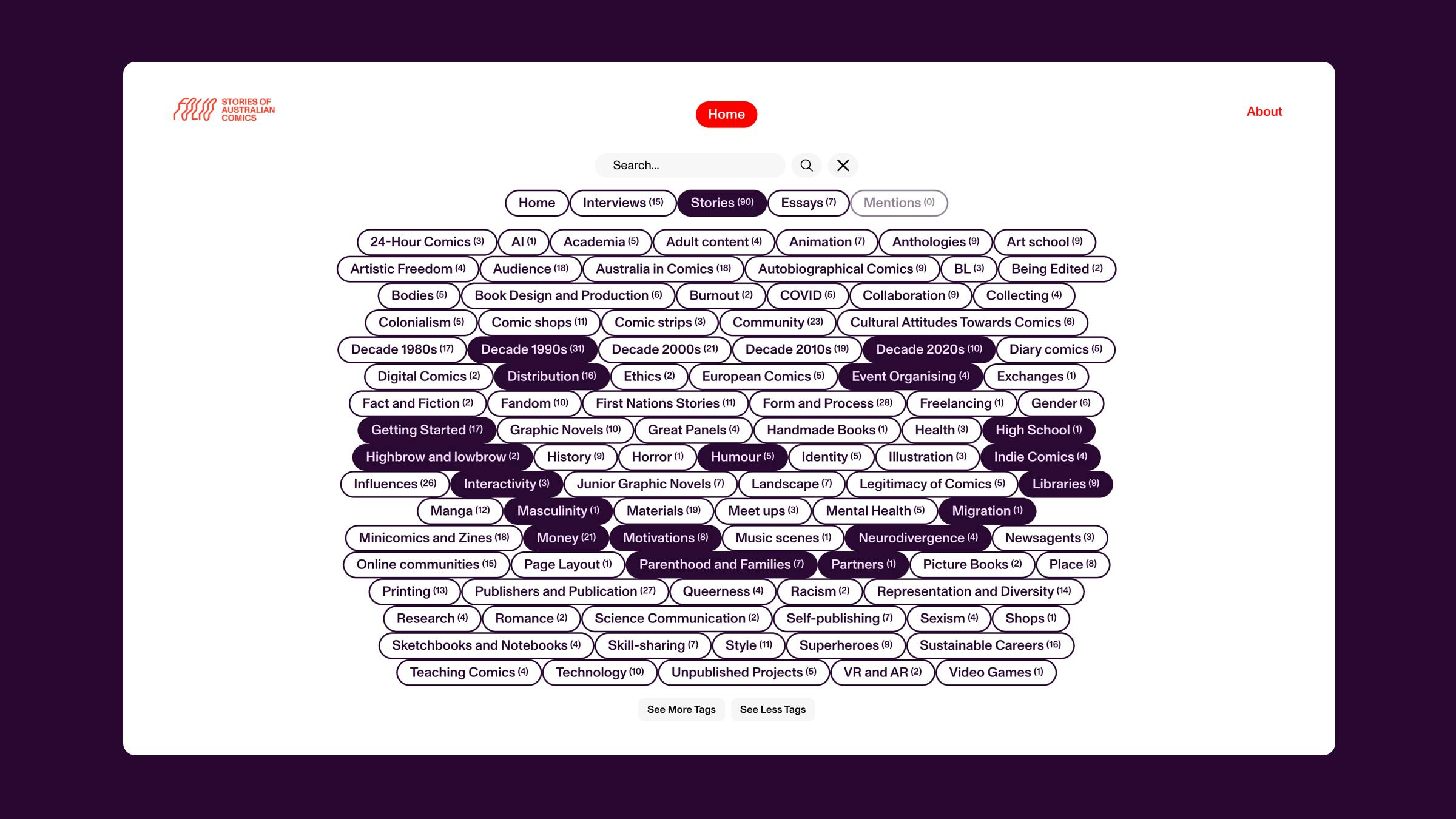
That's a lot of tags! The archive is built around these connections between content.